

Is this the right book for me?
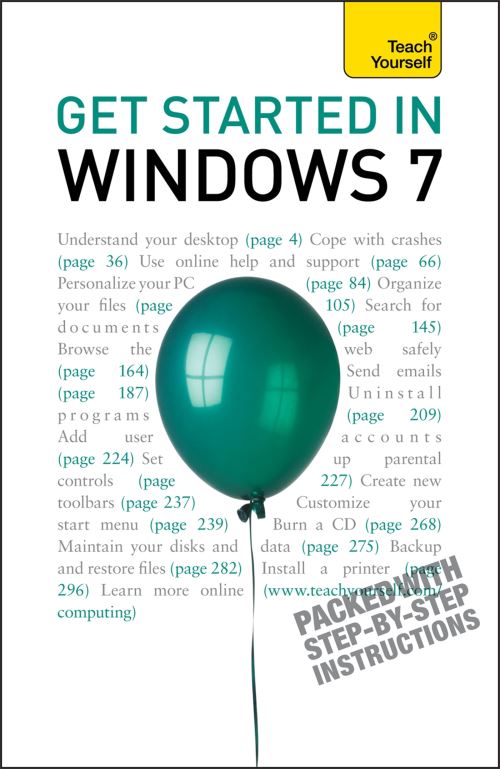
Get Started in Windows 7 explains all the key aspects of this operating system from the user's angle including:
- running programs and managing files
- getting online
- managing your email
- maintaining your system
- configuring printers
- customising your system.
- getting help
- using accessories
Written for the new user at home or in the office it covers all the key features of Windows 7 and helps you maximise your use of the system with confidence.
Get Started in Windows 7 includes:
Chapter 1: Introducing Windows 7
Chapter 2: Programs and documents
Chapter 3: Working with windows
Chapter 4: Basic skills
Chapter 5: Help!
Chapter 6: The Desktop
Chapter 7: Files and folders Chapter 8: Internet Explorer
Chapter 9: Live Mail
Chapter 10: Control Panel
Chapter 11: Taskbar and Start menu
Chapter 12: Accessories
Chapter 13: Maintenance
Chapter 14: Printers
Learn effortlessly with a new easy-to-read page design and interactive features:
Not got much time?
One, five and ten-minute introductions to key principles to get you started.
Author insights
Lots of instant help with common problems and quick tips for success, based on the author's many years of experience.
Test yourself
Tests in the book and online to keep track of your progress.
Extend your knowledge
Extra online articles to give you a richer understanding of the subject.
Five things to remember
Quick refreshers to help you remember the key facts.
Try this
Innovative exercises illustrate what you've learnt and how to use it.
| ISBN: | 9781444110340 |
| Publication date: | 29th January 2010 |
| Author: | Mac Bride |
| Publisher: | Teach Yourself an imprint of John Murray Press |
| Format: | Paperback |
| Pagination: | 318 pages |
| Series: | TY Computing |
| Genres: |
Microsoft (Windows) operating systems |
Is this the right book for me?Get Started in Windows 7 explains all the key aspects of this operating system from the user's angle including:- running programs and managing files- getting online- managing your email- maintaining your system- configuring printers- customising your system.- getting help- using accessoriesWritten for the new user at home or in the office it covers all the key features of Windows 7 and helps you maximise your use of the system with confidence.Get Started in Windows 7 includes:Chapter 1: Introducing Windows 7Chapter 2: Programs and documents Chapter 3: Working with windowsChapter 4: Basic skillsChapter 5: Help!Chapter 6: The DesktopChapter 7: Files and folders Chapter 8: Internet ExplorerChapter 9: Live MailChapter 10: Control PanelChapter 11: Taskbar and Start menuChapter 12: AccessoriesChapter 13: MaintenanceChapter 14: PrintersLearn effortlessly with a new easy-to-read page design and interactive features: Not got much time?One, five and ten-minute introductions to key principles to get you started.Author insightsLots of instant help with common problems and quick tips for success, based on the author's many years of experience.Test yourselfTests in the book and online to keep track of your progress.Extend your knowledgeExtra online articles to give you a richer understanding of the subject.Five things to rememberQuick refreshers to help you remember the key facts.Try thisInnovative exercises illustrate what you've learnt and how to use it.
Get Started in Windows 7 features in the following genres: Microsoft (Windows) operating systems
Ebook, Paperback. Not Available.
Get Started in Windows 7 was written by Mac Bride and published by Teach Yourself an imprint of John Murray Press
Get Started in Windows 7 has 318 pages
Yes it is part of TY Computing series