

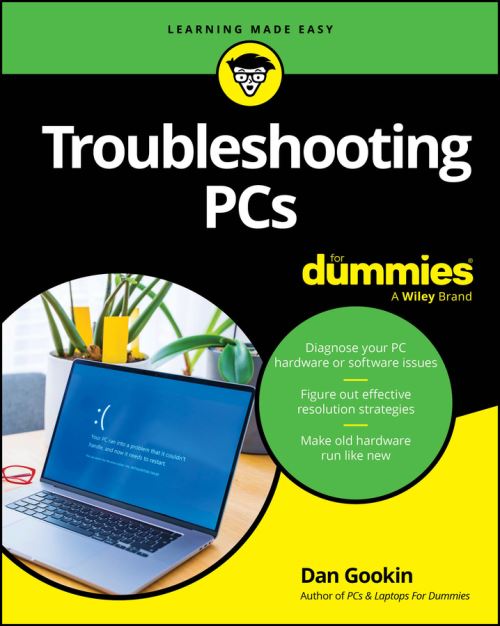
Safeguard your sanity with this step-by-step walkthrough for troubleshooting your Windows PC
What do you do when "turning it off and on again" doesn't solve your problem? Google something? Throw your keyboard? Pray?
In Troubleshooting PCs For Dummies, bestselling author Dan Gookin delivers an easy-to-follow and practical guide to solving the most common problems that PC users encounter on a daily basis. This book offers quick solutions for issues arising in your desktop or laptop's graphics system, its peripherals, and a whole host of frequent software and hardware problems.
You'll find in-depth troubleshooting guides for everything from power-up issues to important privacy and security problems. You'll also discover how to boost your PC's performance with easy tweaks and adjustments as you get your computer running smoothly and efficiently.
Inside the book:
Perfect for all home and office Windows users, Troubleshooting PCs For Dummies is a must-read tutorial for everyone interested in keeping their Windows PC running safely, quickly, and reliably.
| ISBN: | 9781394390281 |
| Publication date: | 26th January 2026 |
| Author: | Dan Gookin |
| Publisher: | For Dummies an imprint of Wiley |
| Format: | Paperback |
| Pagination: | 384 pages |
| Genres: |
Computer hardware |
Safeguard your sanity with this step-by-step walkthrough for troubleshooting your Windows PC What do you do when "turning it off and on again" doesn't solve your problem? Google something?
Troubleshooting PCs features in the following genres: Computer hardware
Paperback. £20.69, down from the £22.99 cover price. In Stock.
Troubleshooting PCs was written by Dan Gookin and published by For Dummies an imprint of Wiley
Troubleshooting PCs has 384 pages
£20.69, reduced from £22.99. In Stock.