

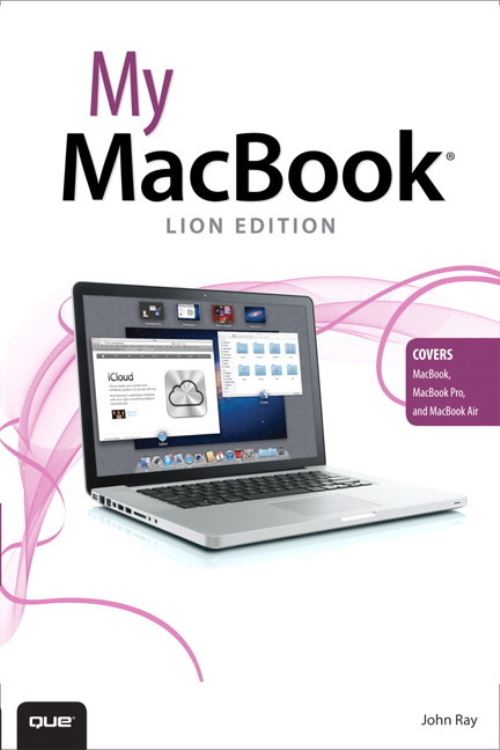
Step-by-step instructions with callouts to MacBook photos that show you exactly what to do.
Help when you run into MacBook or OS X Lion problems or limitations.
Tips and Notes to help you get the most from your MacBook.
Full-color, step-by-step tasks walk you through getting and keeping your MacBook working just the way you want.
The tasks include:
Managing and arranging your desktop
Creating and navigating virtual workspaces in Mission Control
Opening and organizing applications in Launchpad
Accessing the Internet through wired, wireless, and cellular networks
Communicating via email, instant message, audio, and video chat
Troubleshooting system problems
Entertaining with music and videos
Keeping in touch and on-time with Calendars and Contacts
Downloading and managing software from the App Store and other sources
Sharing files, printers, and even scanners over your network connection
Expanding your capabilities with peripheral devices
Protecting and securing your data
Recording video and publishing it instantly online
| ISBN: | 9780789748324 |
| Publication date: | 22nd September 2011 |
| Author: | John Ray |
| Publisher: | Que an imprint of Pearson Education |
| Format: | Paperback |
| Pagination: | 369 pages |
| Genres: |
Apple operating systems Macintosh |
Step-by-step instructions with callouts to MacBook photos that show you exactly what to do.Help when you run into MacBook or OS X Lion problems or limitations.Tips and Notes to help you get the most from your MacBook. Full-color, step-by-step tasks walk you through getting and keeping your MacBook working just the way you want. The tasks include: Managing and arranging your desktop Creating and navigating virtual workspaces in Mission Control Opening and organizing applications in Launchpad Accessing the Internet through wired, wireless, and cellular networks Communicating via email, instant message, audio, and video chat Troubleshooting system problems Entertaining with music and videos Keeping in touch and on-time with Calendars and Contacts Downloading and managing software from the App Store and other sources Sharing files, printers, and even scanners over your network connection Expanding your capabilities with peripheral devices Protecting and securing your data Recording video and publishing it instantly online
My MacBook features in the following genres: Apple operating systems, Macintosh
Paperback. Not Available.
My MacBook was written by John Ray and published by Que an imprint of Pearson Education
My MacBook has 369 pages