

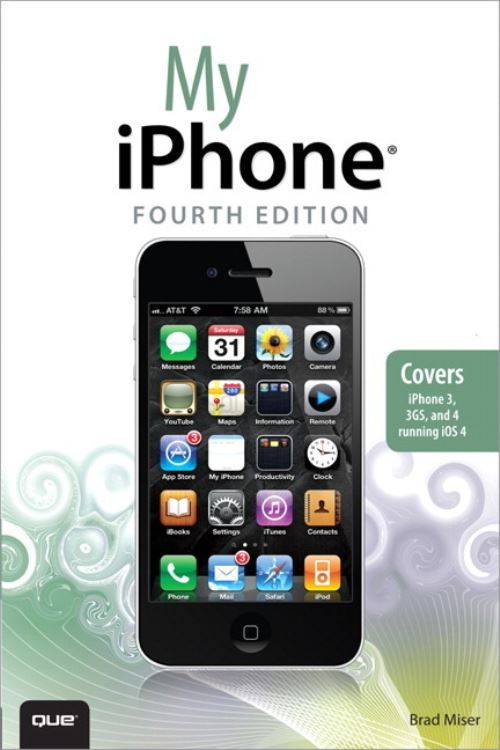
Step-by-step instructions with callouts to iPhone images that show you exactly what to do.
Help when you run into iPhone problems or limitations.
Tips and Notes to help you get the most from your iPhone.
Full-color, step-by-step tasks walk you through getting and keeping
your iPhone working just the way you want. The tasks include how to:
Connect to the Internet, Bluetooth devices, Wi-Fi networks, other iPhones, iPods, and iPads
Manage your apps with the iPhone's new multitasking capabilities
Customize your iPhone with folders, wallpaper, ringtones, and much more
Configure and sync your information, and efficiently manage contacts and calendars
Communicate via FaceTime videoconferences, conference calls, text, email, and more
Make the most of Safari to browse the Web and Mail to manage all of your email from one inbox
Listen to music, subscribe to podcasts, and watch video-including movies and TV shows
Capture photos and HD video
Use your photos in slideshows, for wallpaper, and your contacts or share them via email, MobileMe, and texts
Find, download, install, and use iPhone apps, including the amazing iBooks to read ebooks
BONUS MATERIAL: Find additional tasks and other helpful information on this book's website at quepublishing.com/title/9780789747143
CATEGORY: Apple Digital Media
COVERS: Apple iPhone
USER LEVEL: Beginning-Intermediate
| ISBN: | 9780789747143 |
| Publication date: | 23rd September 2010 |
| Author: | Brad Miser |
| Publisher: | Que an imprint of Pearson Education |
| Format: | Paperback |
| Pagination: | 529 pages |
| Genres: |
Mobile phones and smartphones: consumer / user guides |
Step-by-step instructions with callouts to iPhone images that show you exactly what to do. Help when you run into iPhone problems or limitations. Tips and Notes to help you get the most from your iPhone. Full-color, step-by-step tasks walk you through getting and keepingyour iPhone working just the way you want. The tasks include how to: Connect to the Internet, Bluetooth devices, Wi-Fi networks, other iPhones, iPods, and iPads Manage your apps with the iPhone's new multitasking capabilities Customize your iPhone with folders, wallpaper, ringtones, and much more Configure and sync your information, and efficiently manage contacts and calendars Communicate via FaceTime videoconferences, conference calls, text, email, and more Make the most of Safari to browse the Web and Mail to manage all of your email from one inbox Listen to music, subscribe to podcasts, and watch video-including movies and TV shows Capture photos and HD video Use your photos in slideshows, for wallpaper, and your contacts or share them via email, MobileMe, and texts Find, download, install, and use iPhone apps, including the amazing iBooks to read ebooks BONUS MATERIAL: Find additional tasks and other helpful information on this book's website at quepublishing.com/title/9780789747143 CATEGORY: Apple Digital MediaCOVERS: Apple iPhoneUSER LEVEL: Beginning-Intermediate
My iPhone features in the following genres: Mobile phones and smartphones: consumer / user guides
Ebook, Paperback. Not Available.
My iPhone was written by Brad Miser and published by Que an imprint of Pearson Education
My iPhone has 529 pages