

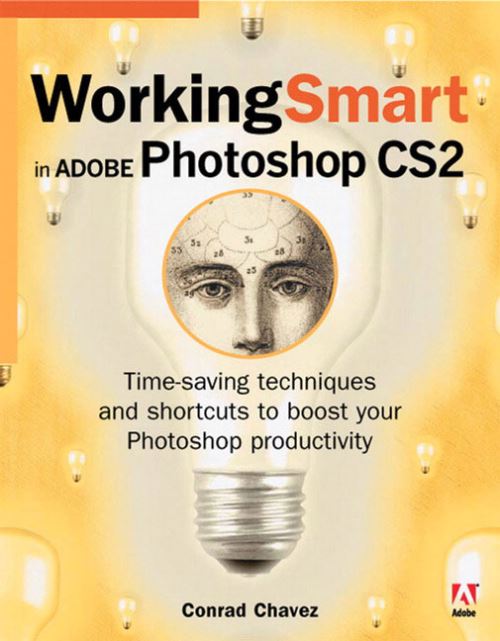
Everyone uses Photoshop; however, not everyone uses it efficiently! With this guide, the folks at Adobe Press are hoping to remedy that situation. Realizing that if you're a veteran Photoshop user, you may still be using methods more suitable to long-ago versions and that if you're new to Photoshop, you may be missing out on some of the long-honed shortcuts and automated tools, Adobe Press has come up with a guide that shows you how to tap into Photoshop's productivity features to streamline your work whatever your level. You'll be amazed at how much time you can save by taking advantage of Preferences, presets, Actions, scripting, batch processing, keyboard shortcuts, Workspaces, file browsing, the Bridge and more. You'll also learn about new CS2 features that push the creative envelope even further: Image Warping, Vanishing Point, Smart Objects, and more. Simple instructions and images galore make learning easy with this smart, focused guide.
| ISBN: | 9780321335395 |
| Publication date: | 14th September 2006 |
| Author: | Conrad Chavez |
| Publisher: | AdobePress an imprint of Pearson Education |
| Format: | Paperback |
| Pagination: | 290 pages |
| Genres: |
Photo and image editing |
Everyone uses Photoshop; however, not everyone uses it efficiently! With this guide, the folks at Adobe Press are hoping to remedy that situation. Realizing that if you're a veteran Photoshop user, you may still be using methods more suitable to long-ago versions and that if you're new to Photoshop, you may be missing out on some of the long-honed shortcuts and automated tools, Adobe Press has come up with a guide that shows you how to tap into Photoshop's productivity features to streamline your work whatever your level. You'll be amazed at how much time you can save by taking advantage of Preferences, presets, Actions, scripting, batch processing, keyboard shortcuts, Workspaces, file browsing, the Bridge and more. You'll also learn about new CS2 features that push the creative envelope even further: Image Warping, Vanishing Point, Smart Objects, and more. Simple instructions and images galore make learning easy with this smart, focused guide.
Working Smart in Adobe Photoshop CS2 features in the following genres: Photo and image editing
Working Smart in Adobe Photoshop CS2 is available in Paperback
Working Smart in Adobe Photoshop CS2 was written by Conrad Chavez and published by AdobePress an imprint of Pearson Education
Working Smart in Adobe Photoshop CS2 has 290 pages